
Text block examples (this is a heading 2)
Heading 3
Heading 4
Heading 5
Heading 6
Paragraph block. This is a test of a link. This is a test of a visited link. Lorem ipsum dolor sit amet, consectetur adipiscing elit. Vestibulum vestibulum quam eu purus tincidunt porta. Sed laoreet viverra neque, sit amet mattis leo. Integer eu accumsan enim, sit amet eleifend lacus. Nam ut justo vel eros suscipit ultricies. Integer laoreet turpis non sapien semper, vitae eleifend nunc dapibus. Proin ut orci vitae velit interdum luctus vel at eros. Maecenas facilisis rhoncus quam, eget convallis eros ultricies vitae. Pellentesque quis sapien sagittis, convallis lorem a, tristique dolor.
“This is an example of a quote block.”
With a citation
- Unordered list with a longer list item to test wrapping. Lorem ipsum dolor sit amet, consectetur adipiscing elit.
- In suscipit lacus a purus blandit, et laoreet ante semper.
- Second list level with a longer item to test wrapping. Vestibulum maximus neque ut massa imperdiet rhoncus.
- Donec et nunc auctor, pellentesque ipsum non, viverra purus.
- Sed scelerisque tellus nec leo tristique rhoncus.
- Ordered list with a longer list item to test wrapping. Lorem ipsum dolor sit amet, consectetur adipiscing elit.
- In suscipit lacus a purus blandit, et laoreet ante semper.
- Second list level with a longer item to test wrapping. Vestibulum maximus neque ut massa imperdiet rhoncus.
- Donec et nunc auctor, pellentesque ipsum non, viverra purus.
- Sed scelerisque tellus nec leo tristique rhoncus.
This is an example of a pullquote block.
— Firstname lastname
Column block with paragraphs inside. Lorem ipsum dolor sit amet, consectetur adipiscing elit. Nunc quis risus imperdiet, posuere mauris quis, varius felis. Maecenas ut porta ipsum, non tincidunt tortor.
Another paragraph in the second column. Lorem ipsum dolor sit amet, consectetur adipiscing elit.
| Table column 1 header | Column 2 header | Column 3 header |
|---|---|---|
| Column 1 line 1 | Column 2 line 1 | Column 3 line 1 |
| Column 1 line 2 | Column 2 line 2 | Column 3 line 2 |
| Column 1 line 3 | Column 2 line 3 | Column 3 line 3 |
Image/media block examples
Image block with caption

Image gallery block

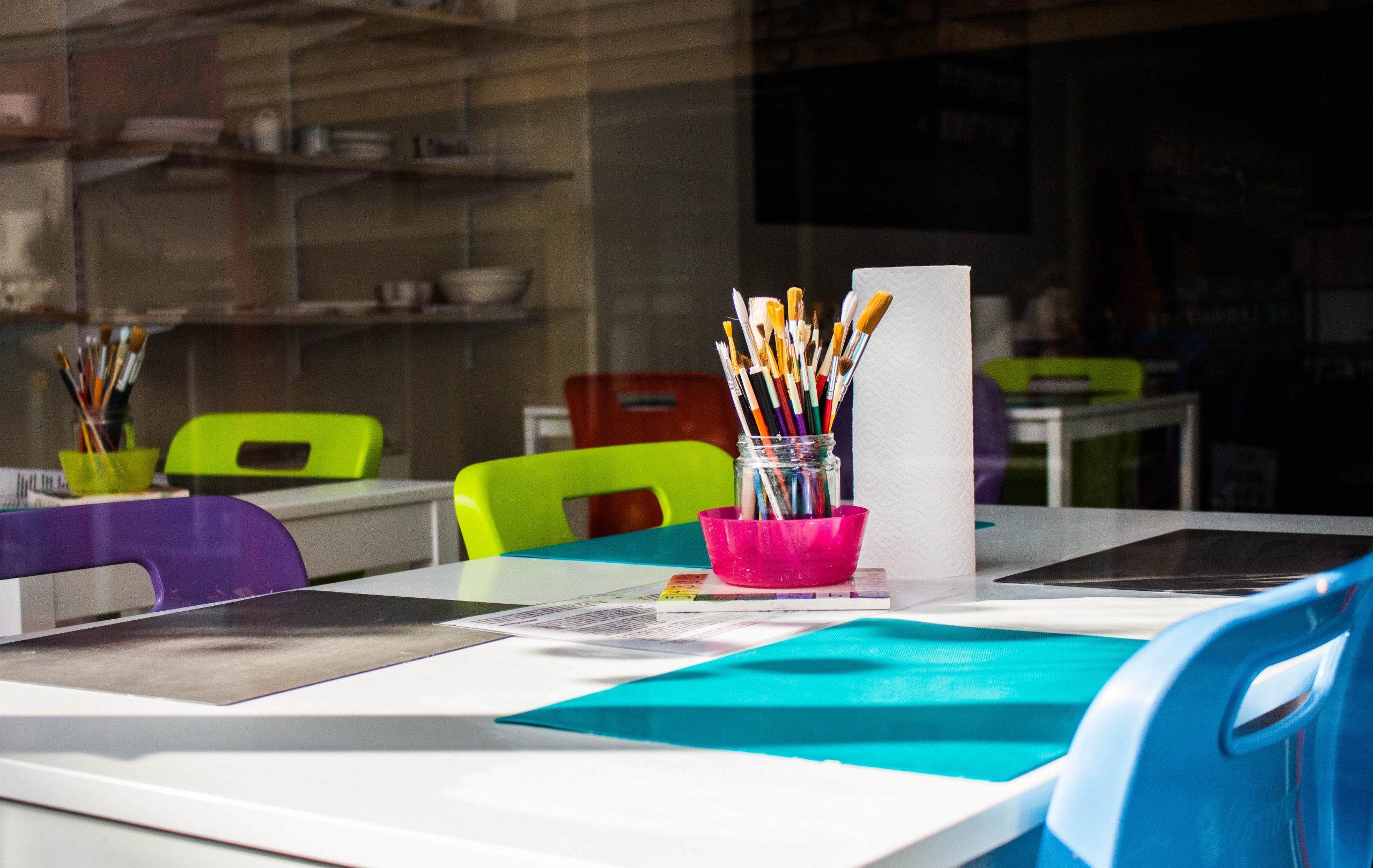



Media and text block

The media and text block allows you to insert an image along with custom text next to it. Adjusting the block settings will allow you to adjust the color of the text box and text within it. Be sure to follow the color contrast guide when applying colors from the palette.
Video block
To add a video, choose the video block. Then select “insert from url” and add your YouTube link. As always, you don’t want to upload your video files to WordPress.
Buttons block
Button colors may be adjusted in the block settings. Follow the color contrast guide to avoid introducing any contrast issues.
Two-column pages are created using a block pattern.
- On your blank page, click the plus button to insert a block, then select Browse all
- In the block selector, click on Patterns
- Select Pages from the dropdown menu
- Select the block pattern called Page layout with two columns – right sidebar
- Add content/additional blocks to each column as needed